
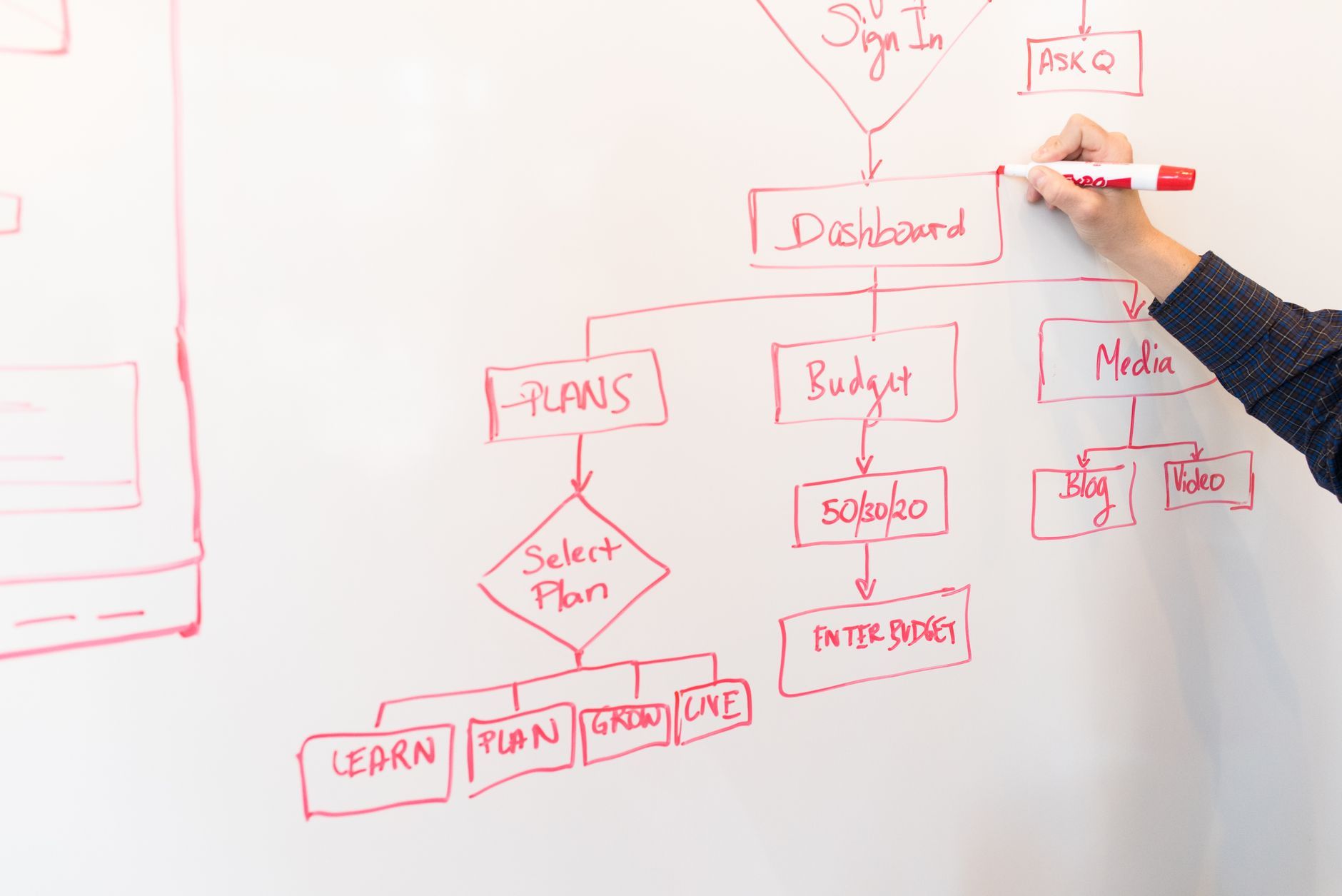
To connect multiple SaaS tools with an internal business tool, first decide which application owns each important piece of data and which process needs coordination. Keep the CRM, accounting platform, project tool or other SaaS in place when it performs its core role well. Use the internal tool as a controlled layer for validation, status tracking and data exchange across systems. Before development, define synchronisation timing, conflict rules, access rights, error handling and maintenance ownership. This approach is usually more appropriate for a Belgian SME of 5 to 100 people than rebuilding every existing function in one custom application.
A growing SME often adds software one operational need at a time. Sales adopts a CRM, finance uses an accounting platform, operations works in a planning tool and customer communication runs through another service. Each choice may be reasonable in isolation. The difficulty appears when one business process crosses all of them.
The objective is to create a reliable coordination layer around a clearly defined workflow, rather than the largest possible integration map. You can explore the broader role of a focused custom internal tool, especially when the issue concerns a process rather than a missing general-purpose application.
Why several native integrations eventually create a coordination problem
A native connection between two SaaS tools can be perfectly adequate for a simple event: a new contact is copied into a mailing platform, for example. Problems arise when the same customer, order or case moves through several systems and each connection applies its own assumptions.
- The same information is entered more than once, with slight variations in spelling or format.
- Two tools show different statuses for the same order or customer case.
- Staff export data to spreadsheets because no system shows the complete process.
- A failed synchronisation is discovered only when a customer or colleague reports an inconsistency.
- Nobody knows who owns a field, approves a change or corrects a duplicate.
This is the difference between a small automation and a coordination requirement. An automation usually links one event to one action. Coordination must manage the order of several actions, the information required at each step, the people who validate it and the consequences of an error.
A useful principle is to preserve each SaaS where it provides genuine value, then add an internal layer only around the process that crosses system boundaries. If the question is whether the workflow is stable enough to automate, review business process automation for small companies before choosing a technical design.

Map the data before choosing the technical solution
Start with business objects, not available connectors. List the customer, company, order, project, case, invoice or other records involved in the workflow. For each object, write down the fields that actually matter. A system may exchange only an identifier, status and date rather than an entire record.
Then assign ownership. For every important field, identify the system of reference and the people allowed to create, modify or delete it. The system of reference is the place whose value should normally prevail when other applications receive a copy.
A practical data ownership map for a multi-SaaS workflow.
| Data | Reference system | Allowed changes | Internal tool role |
|---|---|---|---|
| Customer legal name | CRM | Sales or administration | Display and validate |
| Invoice status | Accounting software | Finance | Read and coordinate |
| Delivery milestone | Operations tool | Operations | Collect and notify |
| Approval decision | Internal tool | Named approver | Record and transmit |
This exercise exposes duplicate identifiers, inconsistent formats, mandatory fields and data that should not travel between systems. Personal data deserves particular attention. If a downstream tool does not need a phone number, document or private note, do not synchronise it merely because the API makes it possible.
Ask a supplier to show this map before discussing implementation. If the proposal begins with a list of connectors but cannot explain which system owns each record, the design is not ready.
Choose the right role for the internal business tool
An internal tool is useful when employees need one operational view of a process that no individual SaaS represents completely. It may act as a coordination dashboard, a validation interface, a queue for exceptions or a workspace for following a case from one system to another.
It should not automatically reproduce the features of your CRM, accounting platform or project management software. Rebuilding mature functions increases development effort and creates another place to maintain customer, financial or project data. The internal application should own only the decisions and workflow steps that genuinely belong to it.
- Choose a dashboard when users mainly need visibility across several tools.
- Choose a validation interface when a person must approve or complete data before transmission.
- Choose a case workspace when a single operational request passes through multiple teams or SaaS platforms.
- Avoid custom development when one existing tool already manages the complete process with acceptable discipline.
Define a narrow first scope: one priority process, named users and a measurable result such as fewer manual transfers, faster validation or fewer unresolved exceptions. If the current SaaS landscape no longer supports the way the company works, when SaaS is no longer enough for a small business provides a broader decision framework.
Organise synchronisation and business rules
Synchronisation timing should follow the operational need. Immediate exchange suits a process where the next step cannot begin until a change is visible. Periodic processing may be simpler when updates are collected and reviewed together. Manual triggering is appropriate when a user must check the information before it leaves the internal tool.
How to choose a synchronisation mode for a business process.
| Mode | Use when | Main control |
|---|---|---|
| Immediate | The next action depends on the change | Retry and duplicate protection |
| Periodic | Updates can wait for a scheduled run | Delay monitoring |
| Manual | A person must validate the record | Approval and audit trail |
Document what happens when two systems can change the same value. A rule might state that the CRM owns customer contact details, while the internal tool can request a correction but cannot overwrite the CRM directly. Another rule may block transmission when a mandatory reference is missing or when the destination record cannot be matched with confidence.
The technical design should also be idempotent. In practice, processing the same event again must not create a second customer, order or task. Keep identifiers from the source systems, store a history of relevant changes and make it possible to replay a failed operation after correction.
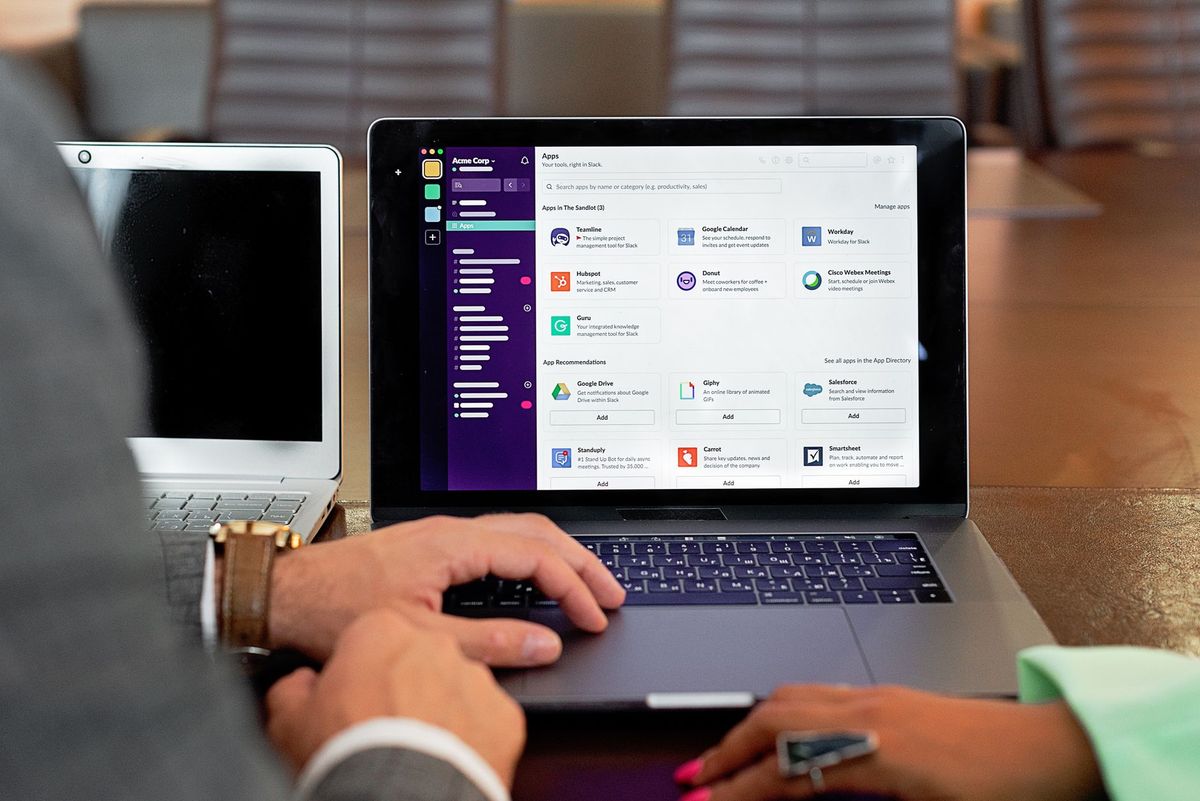
Plan errors, permissions and security from the start
A failed synchronisation needs two responses. The user needs a clear explanation of what must be corrected. The technical owner needs a detailed log showing the source record, destination, attempted action, time and failure point. These are different audiences and should not receive the same message.
Do not treat a successful API response as proof that the business process is complete. The destination may accept a record while rejecting a required business condition later. The internal tool should show pending, completed, blocked and failed states in language users understand.
Apply least privilege to every connection. Separate read and write access where the SaaS platforms allow it, use individual accounts when traceability matters and avoid shared credentials. Limit the internal tool to the records and actions needed for its defined process.
For a Belgian SME, the design should also cover personal-data categories, retention periods, supplier access, hosting responsibilities and the response to a security incident. These decisions should align with the obligations applicable to the organisation, its contracts and the data it processes. Ask who can export data, who can revoke access and where logs are retained.
Maintain reliable coordination over time
An integration is a maintained product, not a one-time cable between applications. SaaS providers can change API behaviour, authentication methods, field names, rate limits or licence conditions. Your own process can change as well, even when the connected applications remain technically available.
- Document each flow, field mapping, dependency and business rule.
- Name a functional owner who understands the process and a technical owner who can investigate failures.
- Record how to pause a flow, correct a record and replay an operation safely.
- Test API and licence changes in a controlled environment before production use.
- Review access rights when employees, contractors or suppliers change responsibilities.
A small operational dashboard can make maintenance visible. Track unresolved errors, delayed synchronisations, detected duplicates and manual interventions. These indicators show whether the coordination layer is reducing work or merely moving it somewhere less visible.
Before signing a development agreement, clarify ownership of source code, credentials, documentation, monitoring and support. The questions listed in custom software development for small business: what to settle before you sign can help structure that discussion.
Checklist before connecting your SaaS tools
- Inventory the software, users, records and process stages involved.
- Describe the desired outcome in operational terms, not only as a list of integrations.
- Assign a reference system and responsible owner to every important data field.
- Identify duplicate records, inconsistent identifiers, mandatory fields and excluded data.
- Choose immediate, periodic or manual synchronisation for each flow.
- Define conflict priority, validation conditions, retry behaviour and duplicate protection.
- Specify user permissions, technical credentials, personal-data handling and retention.
- Require a flow diagram, field map, maintenance plan and recovery procedure.
- Separate the estimate for initial construction from recurring monitoring and support.
- Choose indicators that reveal delays, failures and manual work after launch.
If artificial intelligence is considered later, keep its role distinct from deterministic synchronisation. AI may help classify, summarise or suggest an action, while a data transfer between systems still needs explicit rules and traceability. See AI automation for that complementary perspective.